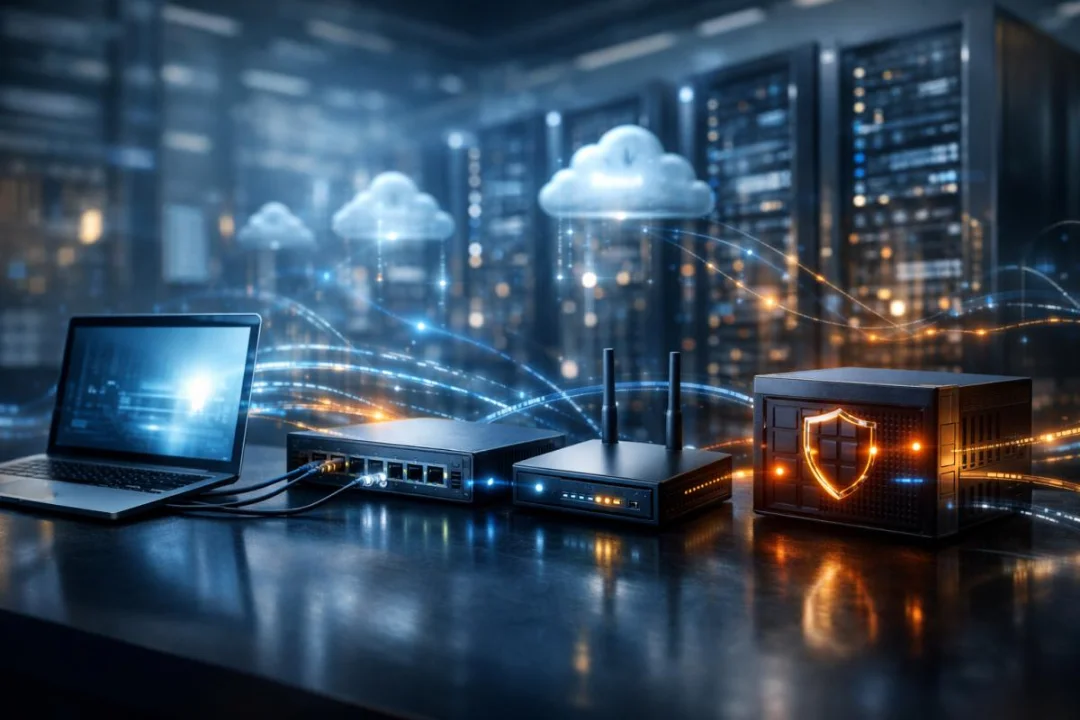
Network Devices Explained for Beginners: How Clients, Servers, Switches, Routers, and Firewalls Power the Internet
Learn how essential network devices like clients, servers, switches, routers, and firewalls work together to power the internet and modern digital communication. This beginner-friendly guide explains core networking concepts, real-world data flow, and the role each device plays in building secure and efficient networks.
Modern digital life depends entirely on computer networks. Every time you browse a website, send an email, stream a video, or access cloud storage, multiple network devices work together to deliver data quickly and securely. Understanding these devices is the foundation of networking knowledge and essential for anyone pursuing IT, cybersecurity, or system administration careers. According to CCNA-level networking education, a computer network is a digital communication system that allows devices—called nodes—to exchange data and share resources efficiently.
This guide explains the essential network devices, including clients, servers, switches, routers, and firewalls. It also explores how they interact, why each device exists, and how data travels between them in real-world networks.
What Is a Computer Network?
A computer network is a group of interconnected devices that communicate with each other to exchange data and share resources. These devices may include computers, smartphones, servers, routers, switches, and printers. The primary goal of a network is to enable efficient communication and resource sharing.
Key Characteristics of a Network
- Connectivity: Devices can communicate regardless of physical location.
- Resource sharing: Files, printers, and applications can be accessed by multiple users.
- Scalability: Networks can grow by adding more devices.
- Reliability: Networks use redundancy and protocols to ensure uptime.
- Security: Firewalls and authentication protect data.
Every device connected to a network is called a node. Nodes include clients, servers, switches, routers, and firewalls, each performing specific roles in transmitting and managing data. :contentReference[oaicite:1]{index=1}
How a Network Works: Basic Communication Flow
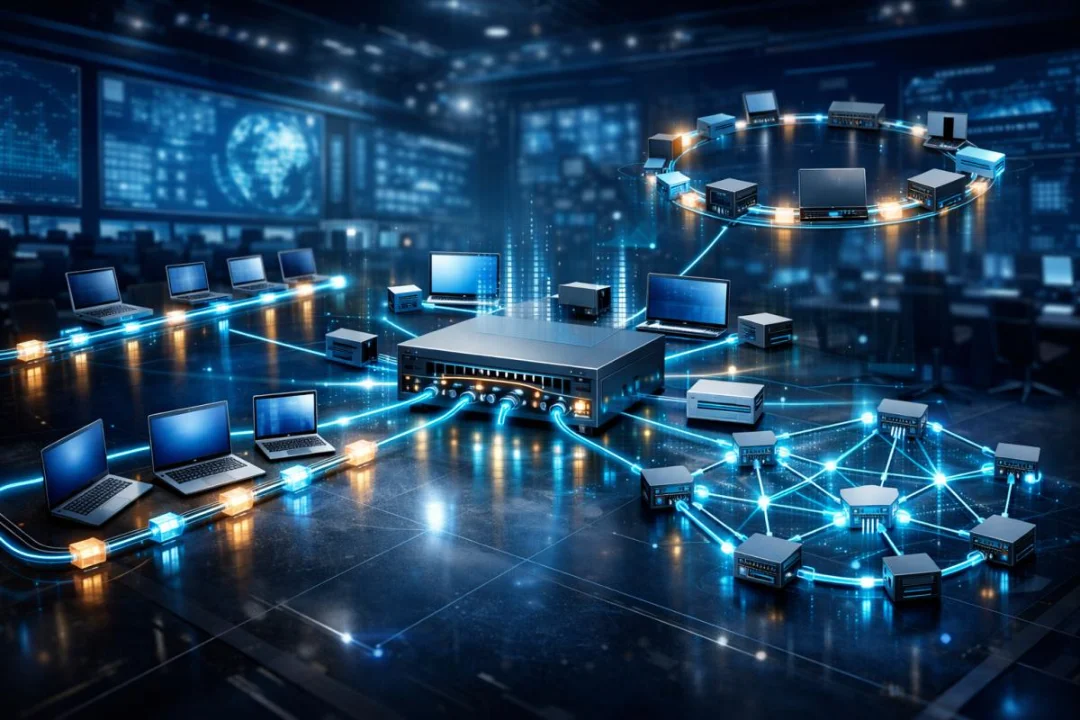
When you open a website, your computer sends a request across the network. This request travels through switches and routers until it reaches a server. The server processes the request and sends the response back through the network to your device.
Example Scenario: Opening a Website
- You type a website URL into your browser.
- Your computer (client) sends a request.
- The request goes through your local switch.
- The router sends the request to the internet.
- The server hosting the website receives the request.
- The server sends the webpage data back.
- Your device displays the webpage.
This entire process takes milliseconds, but it involves multiple network devices working together seamlessly.
Core Network Devices Overview
The following table summarizes the most important network devices and their primary functions:
| Device | Primary Function | OSI Layer | Example |
|---|---|---|---|
| Client | Requests and receives data | Application layer | Laptop, smartphone |
| Server | Provides services and resources | Application layer | Web server, database server |
| Switch | Connects devices within a local network | Data link layer | Office network switch |
| Router | Connects different networks | Network layer | Home internet router |
| Firewall | Protects network by filtering traffic | Multiple layers | Hardware firewall appliance |
Clients: The Devices That Request Services
What Is a Client?
A client is any device that requests services or data from another device on the network. Clients initiate communication and rely on servers to provide information or functionality.
Examples of Client Devices
- Desktop computers
- Laptops
- Smartphones
- Tablets
- Smart TVs
- IoT devices
Client Responsibilities
- Send requests to servers
- Receive and display data
- Run user applications
- Interact with network services
Clients are the most common devices on networks because they represent end users accessing network services.
Servers: The Providers of Network Services
What Is a Server?
A server is a computer designed to provide services, resources, or data to other devices on the network. Servers are typically more powerful than client devices and run specialized software.
Types of Servers
- Web Server: Hosts websites
- File Server: Stores shared files
- Email Server: Manages email communication
- Database Server: Stores structured data
- Application Server: Runs software applications
Server Characteristics
- High performance hardware
- Large storage capacity
- High reliability
- 24/7 operation
- Centralized management
Servers and clients work together in a client-server model, where clients request services and servers respond with the requested data or functionality.
Example
When you open YouTube, your computer acts as a client, and YouTube’s infrastructure acts as a server delivering video content.
Switches: Connecting Devices Within a Local Network
What Is a Switch?
A switch is a networking device that connects multiple devices within a local area network (LAN). It allows devices to communicate efficiently by forwarding data only to the intended destination.
How Switches Work
Switches use MAC addresses to identify devices and send data only where it is needed.
Key Functions
- Connect multiple devices
- Reduce network congestion
- Improve performance
- Enable communication within LAN
Switch Example
In an office, all computers connect to a switch, allowing them to share files and communicate.
Switch Advantages
- Efficient data delivery
- Reduced collisions
- High speed communication
- Scalable networks
Routers: Connecting Different Networks
What Is a Router?
A router connects multiple networks together and directs data between them. Routers are essential for internet connectivity because they connect local networks to external networks.
Main Responsibilities
- Connect LAN to WAN
- Forward packets between networks
- Determine best path for data
- Assign IP addresses (in home routers)
Router Example
Your home router connects your devices to your internet service provider.
How Routers Make Decisions
Routers use routing tables to determine where to send data packets.
| Destination | Next Hop | Interface |
|---|---|---|
| Local Network | Direct | Ethernet |
| Internet | ISP Gateway | WAN Port |
Firewalls: Protecting Networks from Threats
What Is a Firewall?
A firewall is a security device that monitors and controls incoming and outgoing network traffic based on security rules.
It acts like a protective barrier between trusted and untrusted networks.
Firewall Functions
- Block unauthorized access
- Allow safe traffic
- Prevent cyber attacks
- Monitor network activity
Types of Firewalls
- Hardware firewall
- Software firewall
- Cloud firewall
- Next-generation firewall
A firewall inspects data entering and leaving a network and allows or blocks it based on predefined rules, acting as a key security layer.
How These Devices Work Together
Complete Data Flow Example
- User opens browser.
- Client sends request.
- Switch forwards request.
- Router sends request to internet.
- Firewall checks security.
- Server responds.
- Data returns to client.
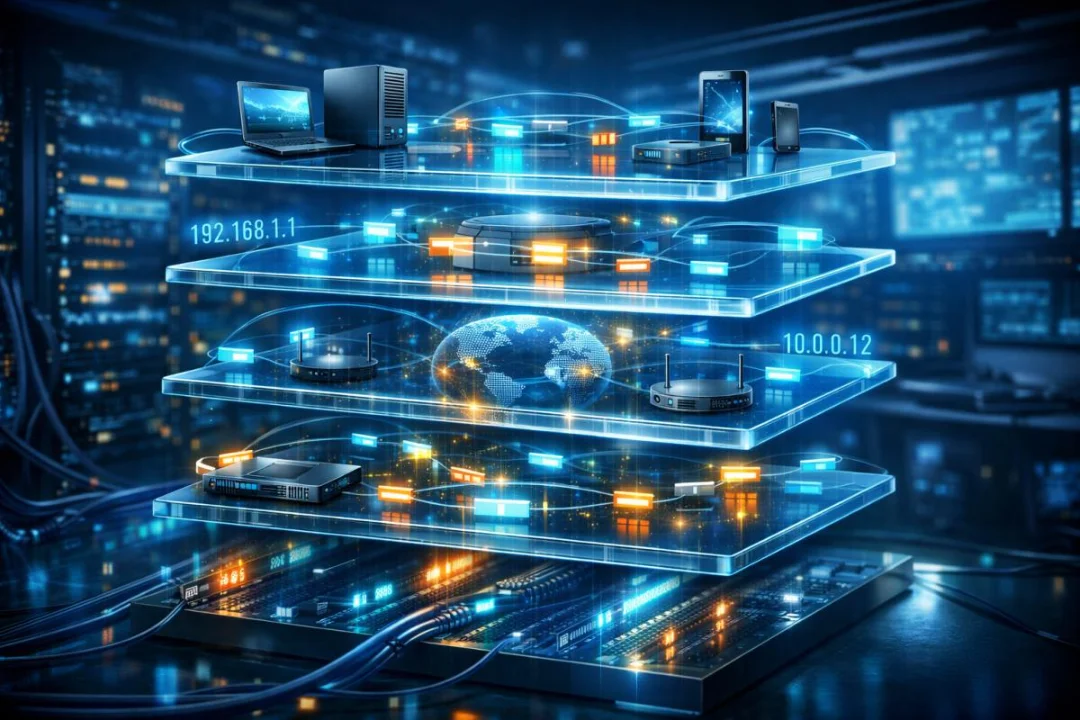
Network Diagram Explanation
- Client connects to switch
- Switch connects to router
- Router connects to internet
- Firewall protects network
- Server provides services
Client-Server Model Explained
Definition
The client-server model is a network architecture where clients request services and servers provide them.
Advantages
- Centralized control
- Improved security
- Easy management
- Scalable
Disadvantages
- Server failure affects users
- Higher cost
- Requires maintenance
Network Devices in Real-World Environments
Home Network
- Smartphones (clients)
- Laptop (client)
- Router
- ISP server
Office Network
- Multiple client computers
- Switches
- Routers
- File servers
- Firewalls
Data Center
- Thousands of servers
- High-speed switches
- Advanced routers
- Enterprise firewalls
Why Network Devices Are Essential
Benefits
- Global communication
- Internet access
- Cloud computing
- Online services
- Remote work
Industries Using Networking
- IT
- Healthcare
- Banking
- Education
- Government
Common Networking Terms
| Term | Meaning |
|---|---|
| Node | Any device on network |
| LAN | Local area network |
| WAN | Wide area network |
| IP address | Unique device identifier |
| MAC address | Hardware identifier |
Future of Networking
Emerging Technologies
- Cloud networking
- Software defined networking
- 5G networks
- IoT expansion
- AI network management
Networking continues evolving rapidly as businesses and individuals rely more on digital infrastructure.
Career Opportunities in Networking
Popular Roles
- Network Engineer
- System Administrator
- Cybersecurity Specialist
- Cloud Engineer
- Network Analyst
Popular Certifications
- CCNA
- CompTIA Network+
- CCNP
- AWS Networking
Key Takeaways Summary
- Networks connect devices to share data.
- Clients request services.
- Servers provide services.
- Switches connect local devices.
- Routers connect different networks.
- Firewalls protect networks.
Conclusion
Network devices form the backbone of modern digital communication. Clients allow users to access services, servers provide resources, switches connect devices locally, routers link different networks, and firewalls ensure security. Together, these components create the infrastructure that powers the internet, enterprise systems, and cloud platforms. Understanding these devices is the first and most critical step toward mastering networking, building secure systems, and pursuing professional IT certifications such as CCNA. As technology continues to evolve, networking knowledge will remain one of the most valuable and foundational skills in the digital world.
Discussion
💬 0 comments